
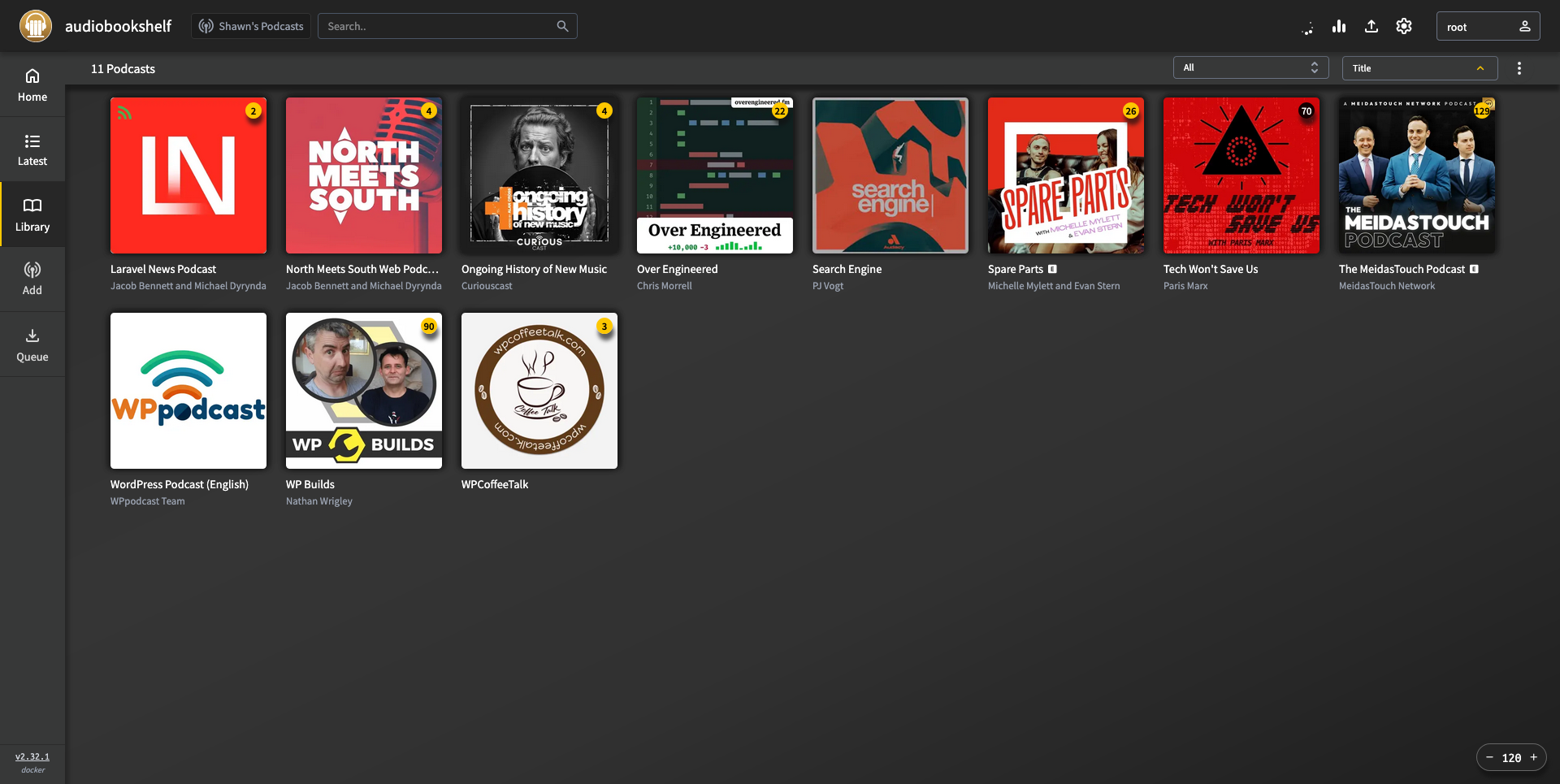
One of the first goals of my homelab was to finish moving myself off using Spotify. I’d already cancelled my subscription to it as a music streaming service, but I was still using it to listen to podcasts in the car.
No more!
I’m now running Audiobookshelf, an open-source self-hosted media server for audiobooks and podcasts. I can use the web based interface to manage the podcasts I listen to. add it will:
- Automatically download new episodes when they come out
- Track which episodes I’ve already listened to
- Sync cover art
It also supports multiple users, so if my partner wanted to use the same server, we could keep our listening preferences separated.
I do most of my podcast listening in the car. So the next step was to get a connection going between my phone and the home network. This was my first attempt at using Tailscale to connect to the home lab.
I installed Tailscale on my Proxmox host, giving it access to my entire LAN with the following command:
tailscale up --accept-routes --advertise-routes=192.168.0.0/24Next, I installed Tailscale on my phone and connected it to my Tailnet.
I installed the plappa app on my phone, and logged into my Audiobookshelf server with Tailscale enabled. Bingo! Now I can stream from my home library while not being connected to my Wi-Fi.
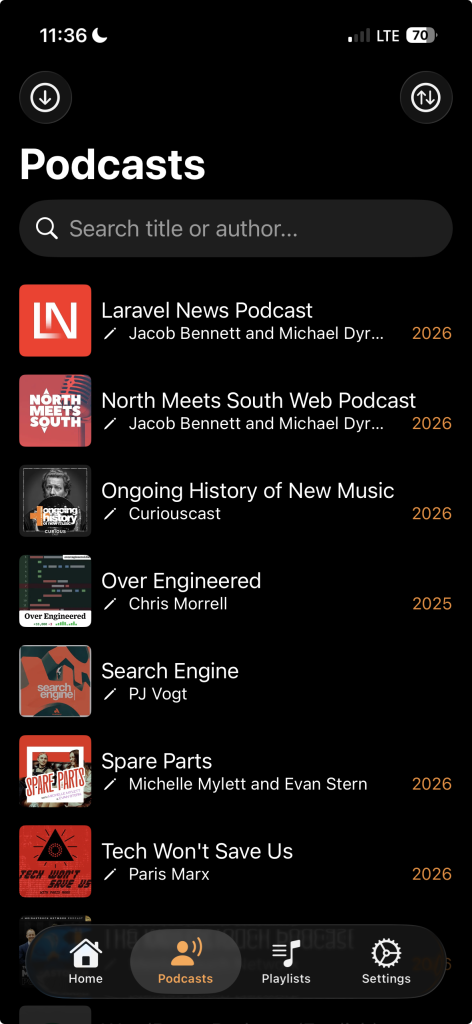
And since I’m connected to my LAN over Tailscale, I can access the Audiobookshelf server remotely at it’s local IP address as well, perfect for when someone recommends a new podcast to add to my list.
The plappa app also works with Jellyfin, which is on my list of server apps to install at home for media playback. Maybe that will be next.
That officially removes any need I have for Spotify! A win for the home lab.