

For users of the new Canadian social media network “Gander Social”, there’s currently a feature many users are requesting that hasn’t been implemented yet, which is the ability to default to your chronological feed instead of the “For You” page.
I’ve written a Tampermonkey script that solves this for now, until their product team addresses it officially.
This script hides the “For You” button, and the “X” button, forcing the page to load in the “Feed” mode. You can still switch to “Nest”, “Topics”, etc.
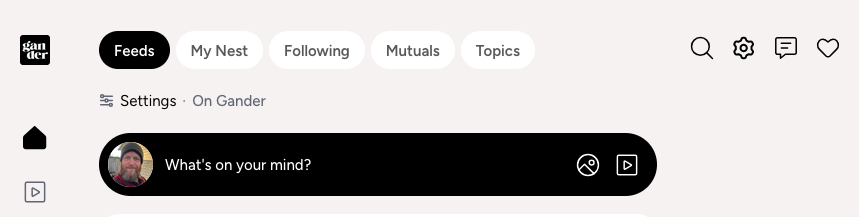
Here’s the code:
// ==UserScript==
// @name         Gander Social - No "For You"
// @namespace    https://shawnhooper.ca
// @version      1.1
// @description  Hides the "For You" tab and switches to the chronological feed
// @author       Shawn M. Hooper
// @match        https://*.gander.social/*
// @icon         https://gander.social/favicon.png
// @run-at       document-end
// @grant        none
// ==/UserScript==
(function () {
  'use strict';

  const LABEL_FOR_YOU = 'for you';
  const LABEL_X = '\u2715';
  const LABEL_FEEDS = 'feeds';
  const norm = el => el.textContent.replace(/\s+/g, ' ').trim().toLowerCase();
  const candidates = () =>
    document.querySelectorAll('button');

   let switched = false;

    function apply() {
    for (const el of candidates()) {
      const text = norm(el);
      if (text === LABEL_FOR_YOU || text.endsWith(LABEL_X)) {
        el.style.display = 'none';
      }
      if (text === LABEL_FEEDS && switched == false) {
        el.click();
          switched = true;
      }
    }
  }

  const obs = new MutationObserver(apply);
  obs.observe(document.documentElement, { childList: true, subtree: true });
  apply();
})();